 AIOS Pro
Join the waitlist
AIOS Pro
Join the waitlist
Coming soon
Be fully present in your meetings. AIOS does the work around them.
AIOS Pro prepares each meeting with you, helps you privately while you talk, and turns what you decide into documents with a walkthrough, sent in your own voice.

Spend more time talking, thinking and deciding.
Less time writing things up, reading them, or sitting in meetings that didn't need to happen. Typing is optional.
Just start talking.
Most AI assumes you know what to tell a computer. With AIOS Pro, you say what you want to do, and it guides you from there.
It starts from your team's own format for that kind of meeting, brings in what it already knows, and designs each part around the decisions you need.
You get the agenda, with your private guidance kept apart from what they'll see.


Lead, present, or simply take part.
Alongside Zoom, Google Meet or Teams. AIOS Pro listens through your computer's own audio and microphone, so no bot joins the call, and only you see its help.
AIOS follows the conversation against your agenda: what's settled, what's only been mentioned, and what depends on someone else.
Before you move on, it tells you what's still open. Only you see it.
When a concern comes up, it suggests how to answer. You can ask it privately for an explanation, some research, or a file from your computer.
Presenting? Your note sits beside what they see.
Or go full screen, and just be in the conversation.


The brief writes itself while you talk.
What was decided, who's doing what and what's still open, set out along your agenda, each with the words it came from. Check a couple of things, then go straight into the proposal or plan the meeting was for.

One good conversation can set up a week of documents.
Proposals, plans and status reports are made from what you decided, without typing anything in again. Or create them with your client, live in the call, shared through the AIOS camera.

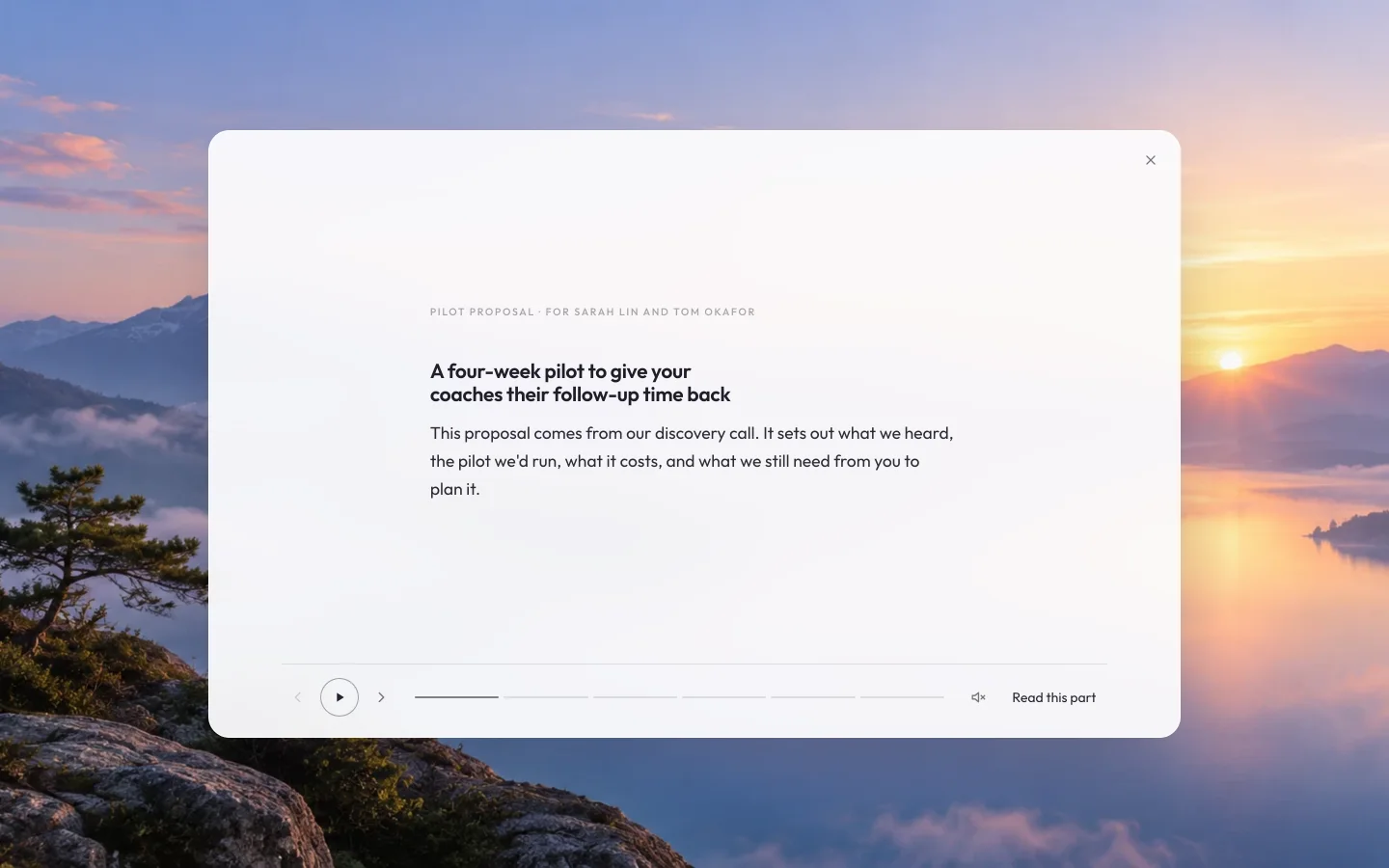
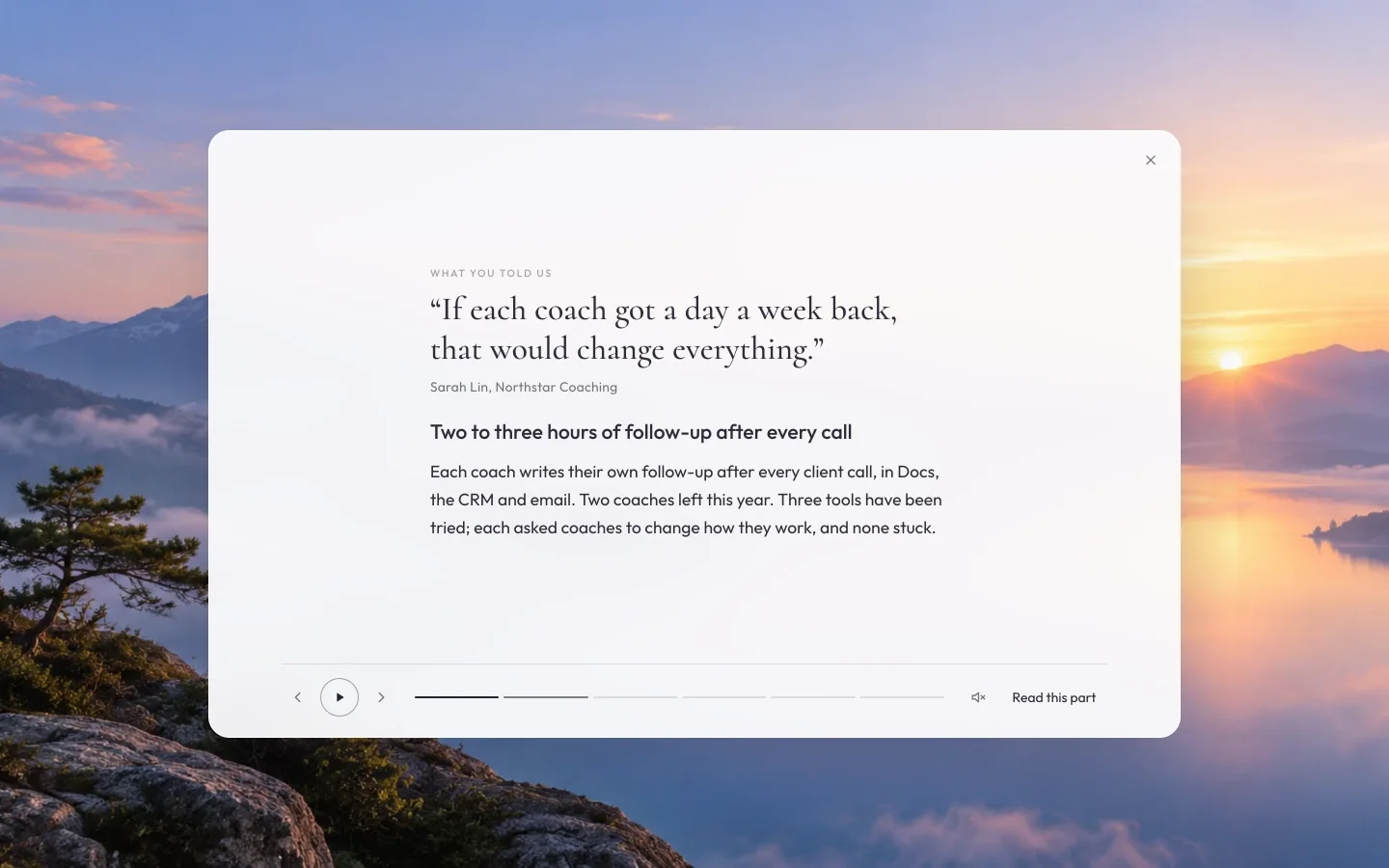
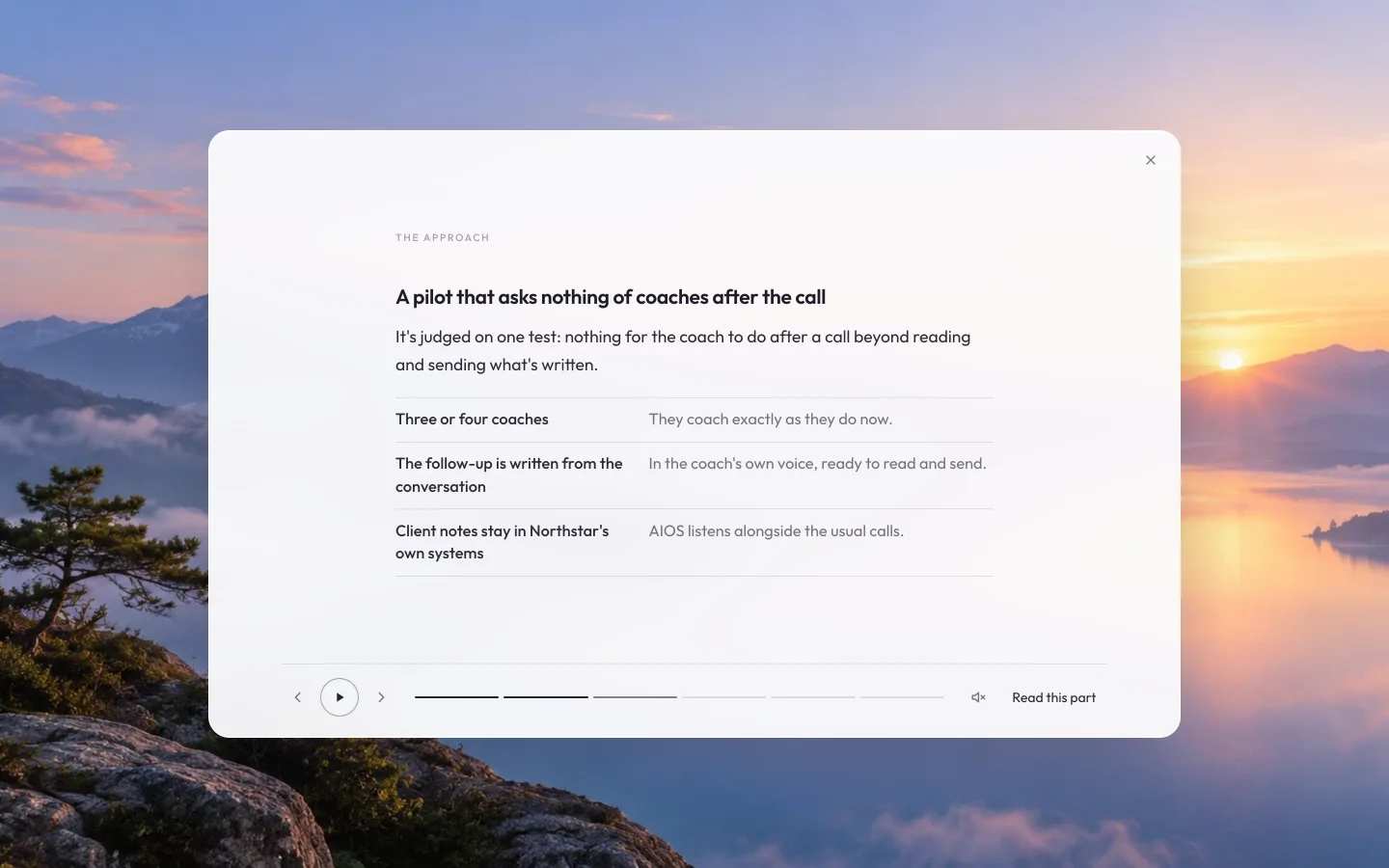
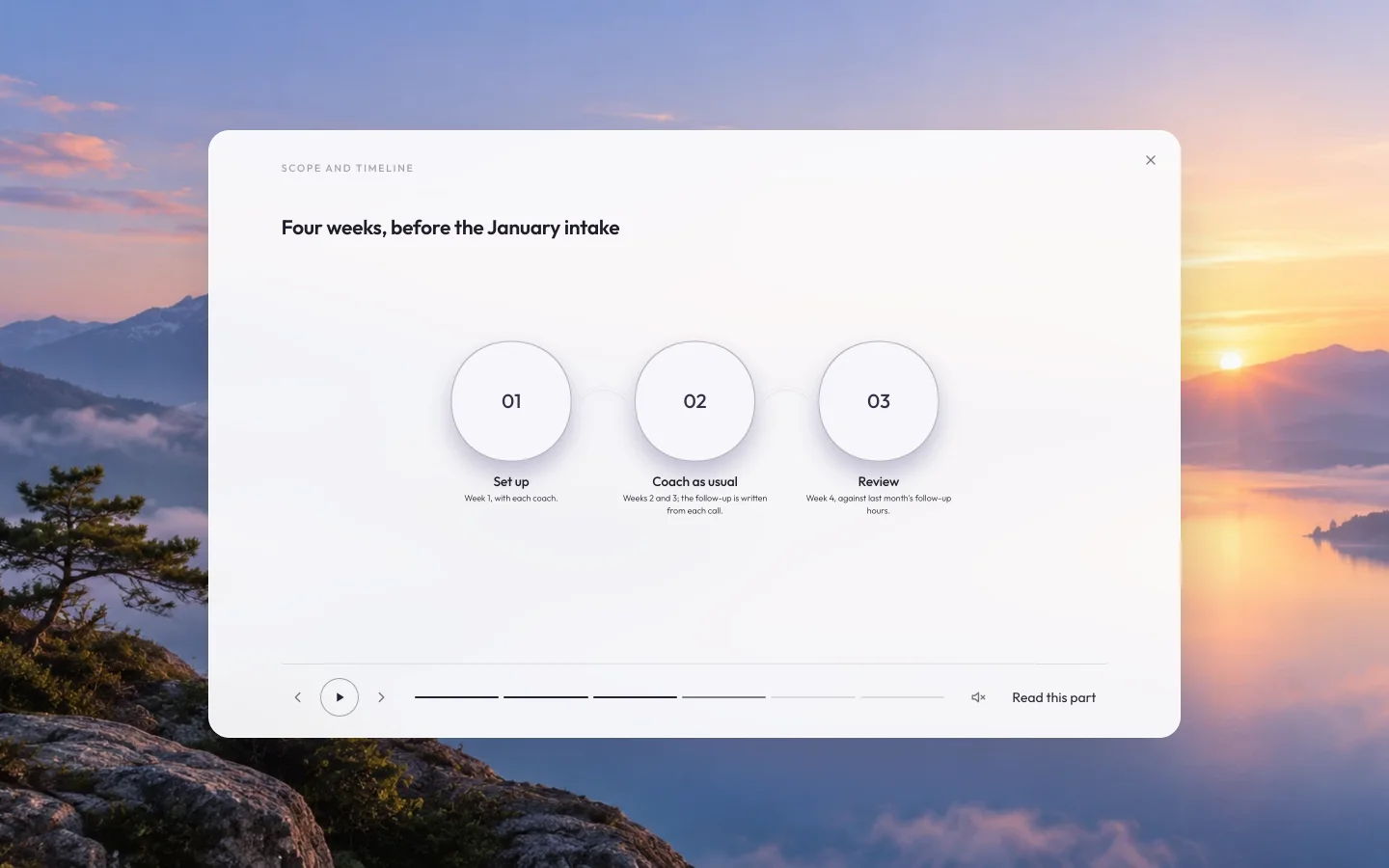
Nobody wants to read docs unless they have to. So each one comes with its walkthrough: watch it, listen, or read.
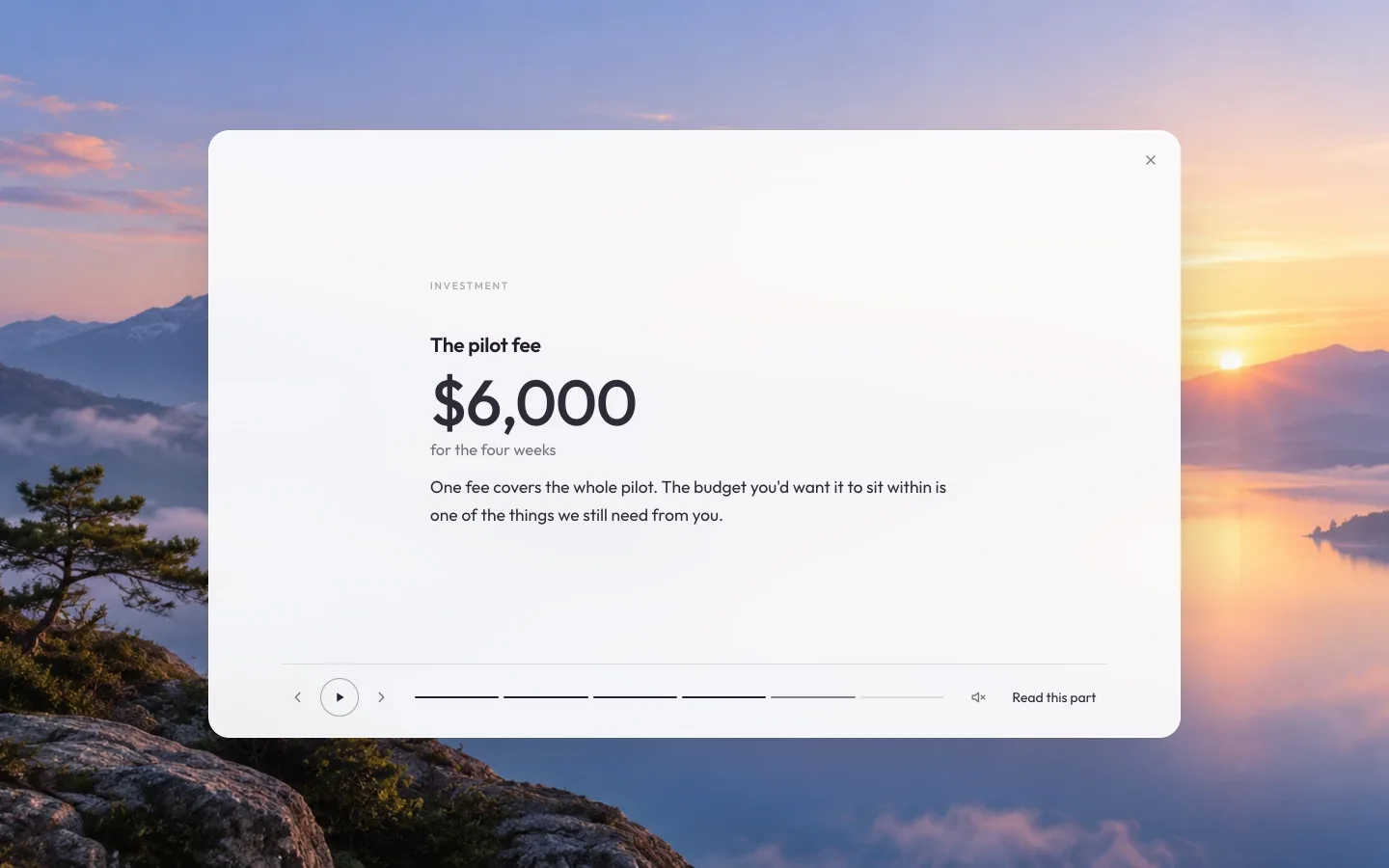
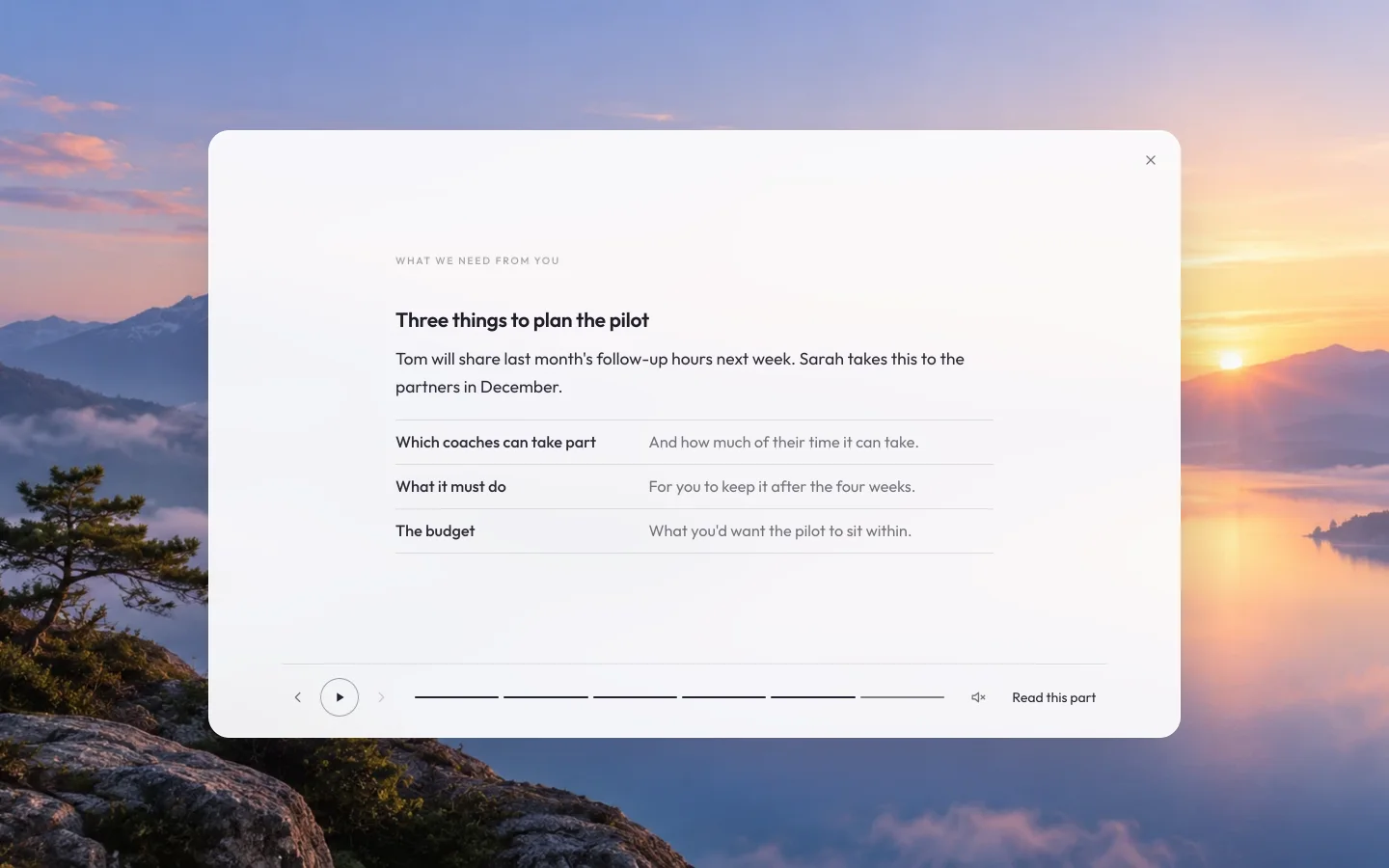
Think it through, visually.
AIOS Pro is a thinking partner. As you talk, it can draw what you're working out, and any of it can become a walkthrough, spoken in the voice you choose.
Between meetings, send your voice.
Your own voice, a short visual summary, a clear message written from what you said, and any files, as one private package. They can listen, read or glance, and reply in their own voice: a warmer alternative to email and Slack.

Say it the way you'd say it.AIOS writes the message from what you said, in your words. Nothing goes until you say yes.


When all that's missing is a decision, you don't need another meeting.
Your expertise travels with your team.
Your best agendas and document formats become your team's standard. An assistant or junior team member can prepare, follow up and even lead, with your guidance built in, and nothing reaches a client until you approve it.


For purpose-driven leaders and their teams, from a founder with one assistant to the people leading a whole organization. Designed, above all, for authentic, human-to-human connection.
Built for the whole of your work.
Almost every kind of meeting, and the documents that follow.
With every client
- Winning clients
- Starting the work
- Delivering and improving
- Continuing, or completing
Across your organization
- Team meetings and check-ins
- Planning and decisions
- One-to-ones and retrospectives
- Sales, marketing and communications
All of it kept privately on your own computer, and found again the moment you ask.
Somewhere calm to spend your day.
You might spend hours a day here, so it's grounding, not another dense AI tool. Your background is your desktop, and the work you're in comes into focus.


And the voice your walkthroughs speak in. Hear each one; this tour plays in the voice you choose.
Where it's going
- Subscriptions and membershipsClients and followers subscribe to your voice notes, or join as members.
- CommunityA private community, to think, learn and grow together.
- More live co-creation toolsMore ways to think and create together, live.
- Training and professional pathwaysMastermind trainings, and certified partnership programs.
Human-augmented. Human to human. Co-creating the future.
AIOS Pro is about authentic, intuitive, creative and strategic thinking, and empowering anyone to do it. It's a thinking partner: it supports your thinking and handles the work around it, so you can give your time to people.
We're building the tools, the community and the professional pathways to support you.
Be among the first.
AIOS Pro is coming soon. Leave your name, and we'll write when there's a place for you.
Thank you.
You're on the list. We'll write when AIOS Pro is ready for you.